Private by default
Your inventory stays on your device unless you explicitly export a file.
Claim-ready records on your iPhone
Home Inventory Vault keeps item records, receipts, serial numbers, manuals, and photos together on your device, then lets you export clean claim packets whenever you want.
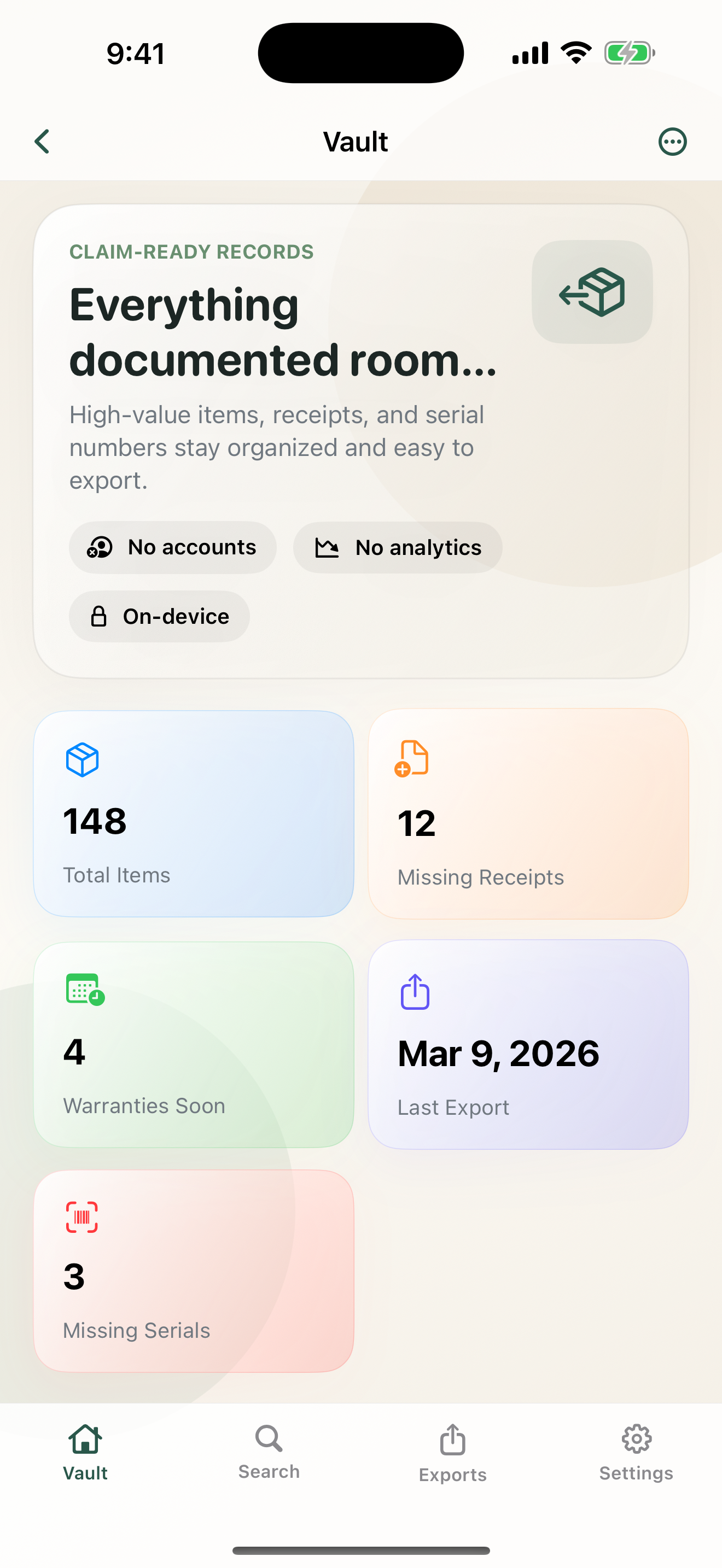
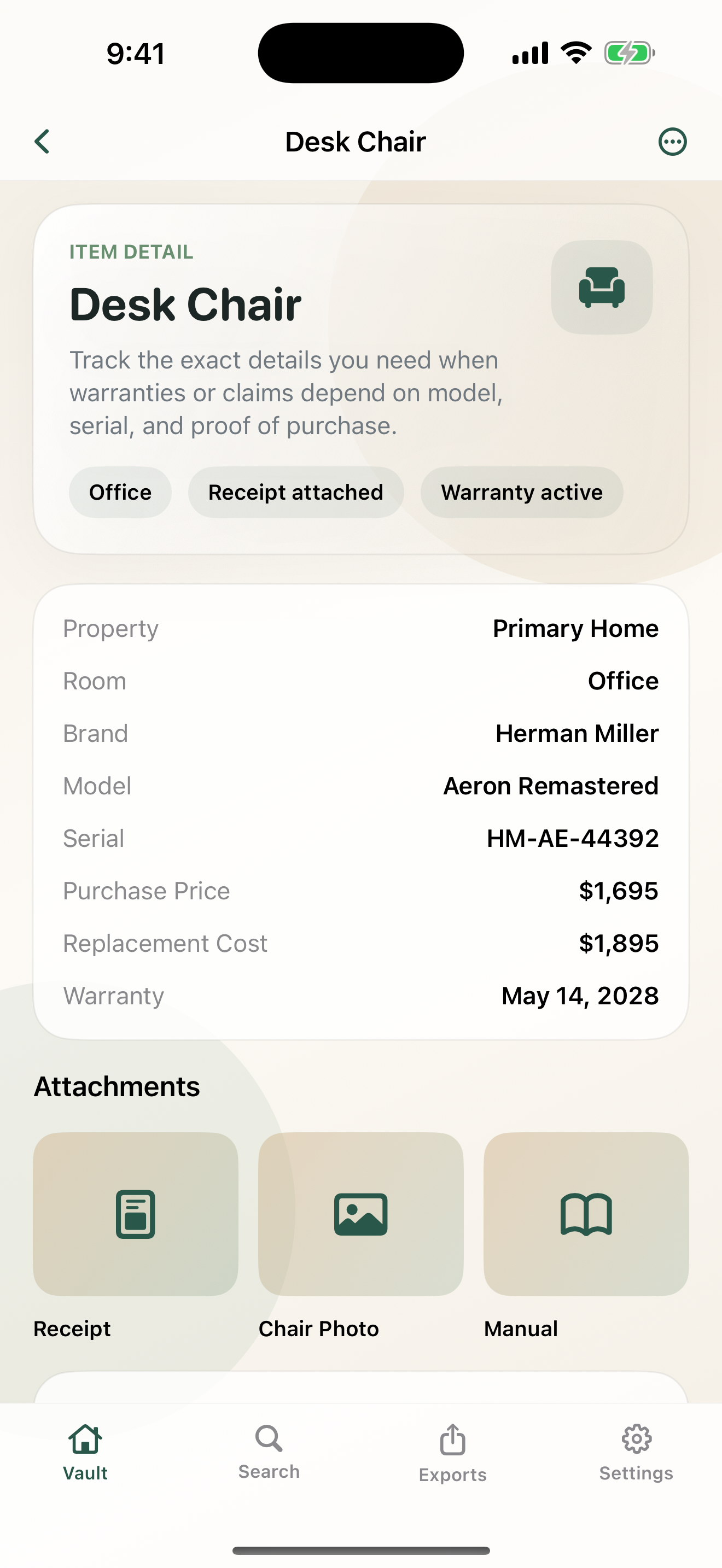
Your inventory stays on your device unless you explicitly export a file.
Store receipts, serial labels, warranties, and item photos where they belong.
Export PDF claim packets and CSV inventories without creating an account.
Why it exists
Add homes, apartments, storage units, individual rooms, or whole-property shared items like vacuums and tools.
Attach item photos, serial label photos, receipts, manuals, and notes directly to the record they belong to.
Search by name, brand, model, serial, room, notes, and tags. Review missing receipts, warranties, and serials quickly.
Generate local PDF claim packets and CSV exports, then store them anywhere you trust for off-device safety.
Turn on Face ID or passcode lock for the vault and schedule quarterly export reminders without sending data anywhere.
No subscriptions, no ads, and no extra cloud account required just to keep records of what you own.
Inside the app
Privacy posture
The app does not collect personal data, analytics, or tracking information.
You can install the app and start documenting items without signing in or creating a profile.
Files leave the device only when you explicitly export or share them through iOS system tools.
FAQ
No. Inventory records, attachments, and reminders are stored on your device unless you explicitly export a file.
Yes. Each item can include photos of the item, serial labels, receipts, manuals, and supporting documents.
You can place shared items under Whole Property so things like vacuums, ladders, or tools are still easy to find later.
Generate a PDF claim packet or CSV export from the app, then save it somewhere you trust.
Need help or policy info?